Image generation
Turning a render or photo into a clean AI reference frame.
LEARN AI VIDEO GENERATION
Prompts, lessons and mentoring from the team behind SOLAR CGI's own AI Motion production.
SOLAR CGI / CAMPUS
Already have access? Sign in with your login or email and password.
SOLAR CGI / AI MOTION
A practical course on generating AI video from architectural renders and photos — the exact prompts, workflow and quality checks SOLAR CGI uses for paying clients, broken down into steps you can repeat.
Fully online and self-paced. Access is provided after personal approval. Your login and password will be sent once your package is confirmed.
By the end you can turn a finished render or photo into a cinematic AI clip on your own — without waiting on a studio or a render farm.
Every clip on this page is real client work, produced by SOLAR CGI's own team using the exact method this course teaches.
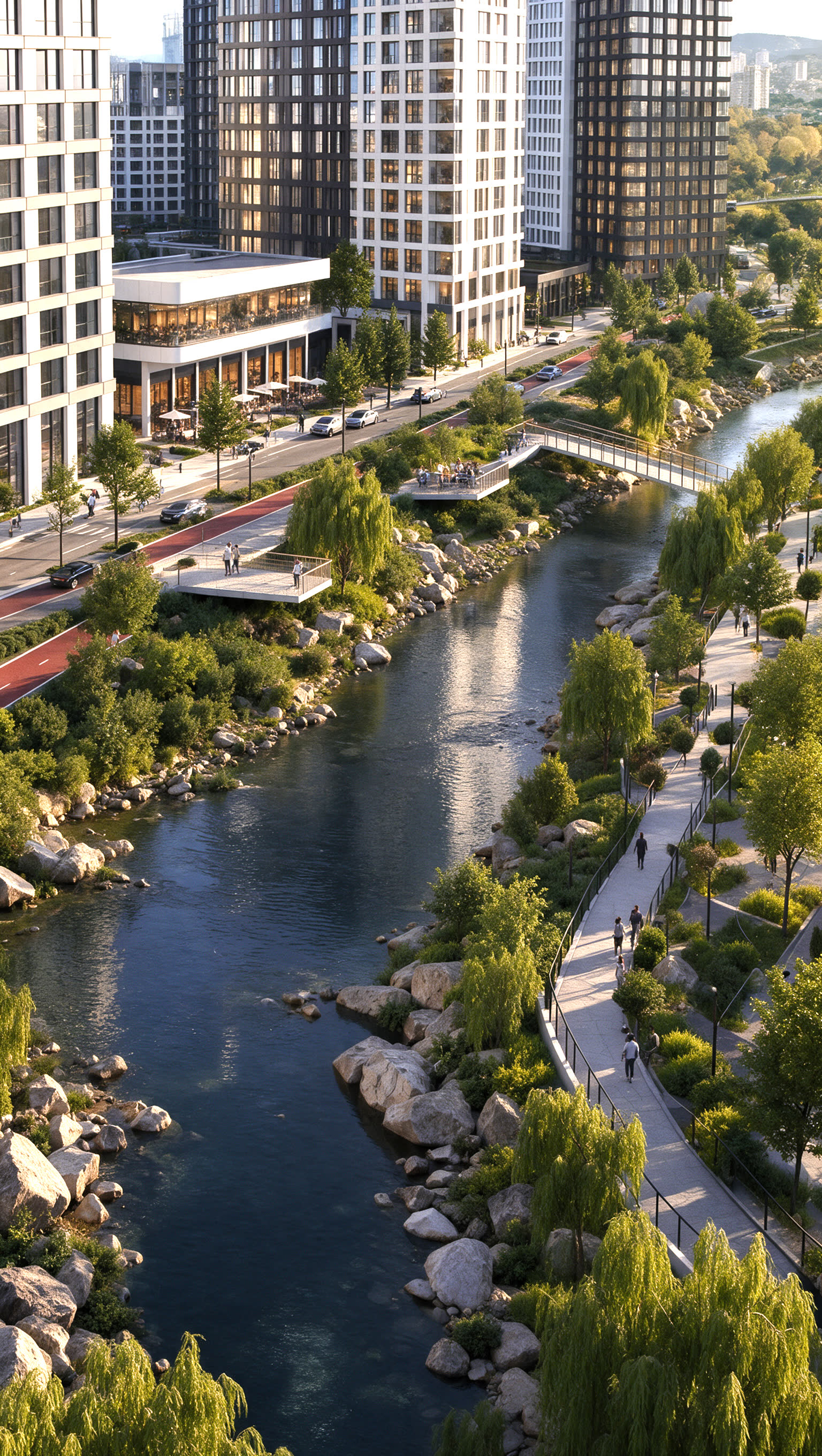
Every clip below shipped to a real client of SOLAR CGI — built with the exact AI workflow this course teaches.

AI MOTION
The first storks on the riverbank
In this film for the developer, we told the story of storks arriving on the embankment for the first time after extensive work to clean the riverbed.
Leave an application. Artem will contact you on WhatsApp and confirm your access.
WHO'S TEACHING
Founder & CEO, SOLAR CGI
SOLAR CGI has been producing architectural CGI and AI-generated video for real estate developers and industrial brands since 2020 — Sezar Group, BI Group, Slokker Homes among them.
This course is not theory. It's the same prompt library, workflow and quality checks the studio runs on every paid AI Motion project — packaged so you can learn it yourself.
«3D and AI don't sell because they're pretty. They sell because they help someone decide faster.»
TRUSTED BY






«Professional result, on time. We've worked through complex briefs together — SOLAR delivers.»
What you'll actually practice
Turning a render or photo into a clean AI reference frame.
Camera movement, atmosphere and motion from a still frame.
Narration and sound design that match the pace of the edit.
Cutting separate AI shots into one finished, deliverable clip.
REAL STUDIO WORK
Every clip below shipped to a real client of SOLAR CGI — built with the exact AI workflow this course teaches.
Courtyards, entrance areas, wayfinding, environment details and aerial views.
Original render
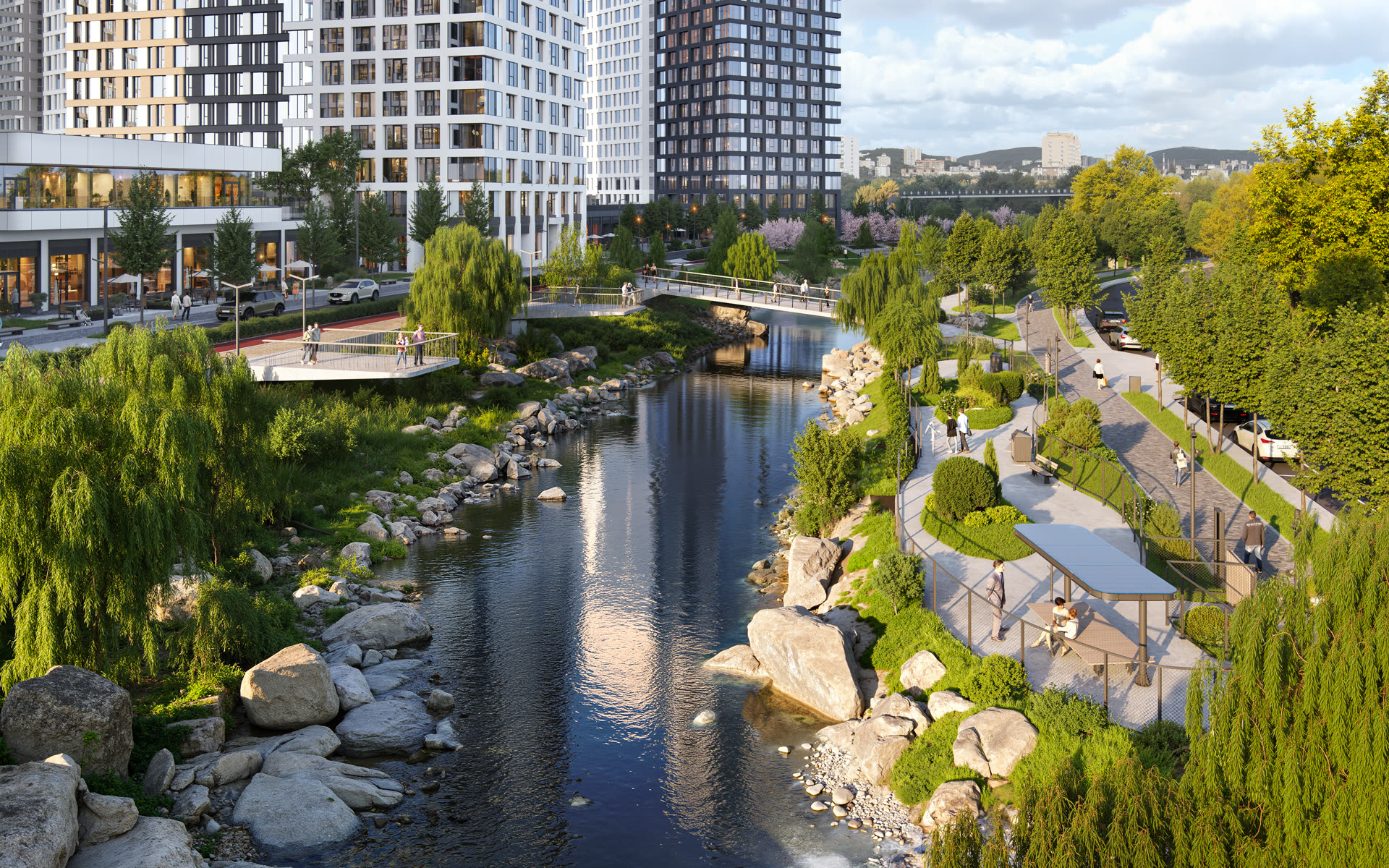
The render our extra frames were built from
Result in AI Motion
AI MOTION
Environment & Landscaping — ЖК Старк
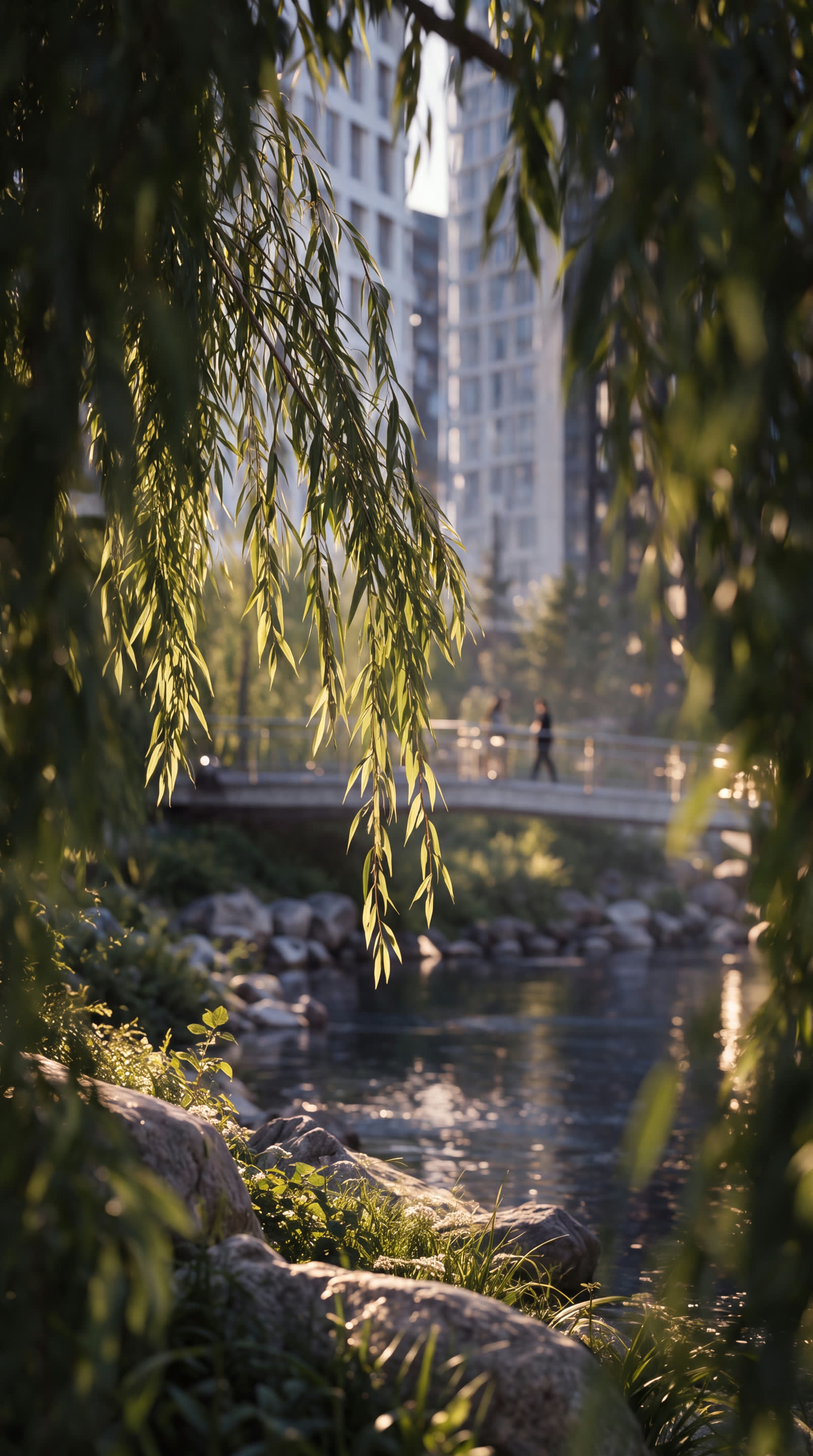
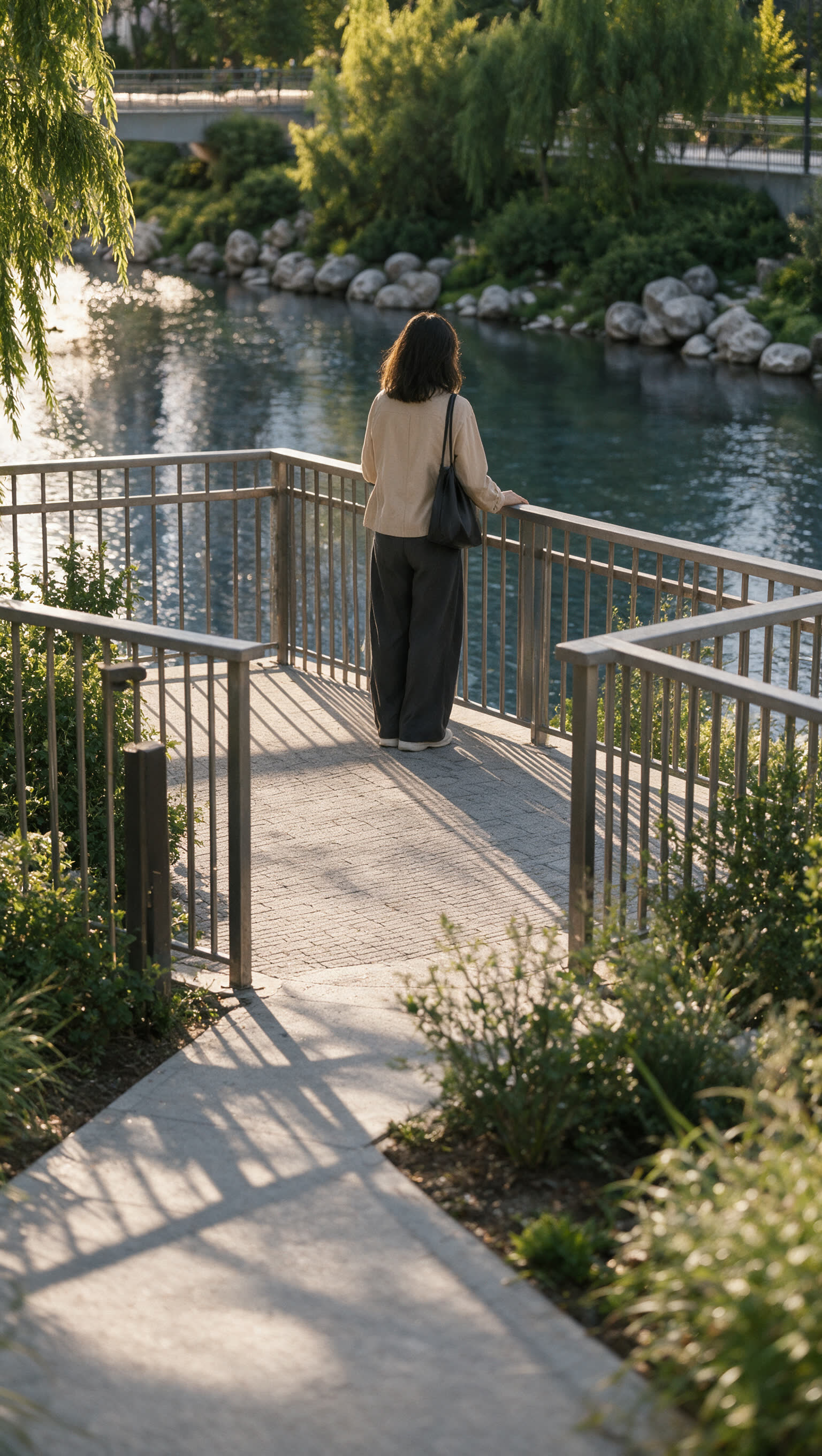

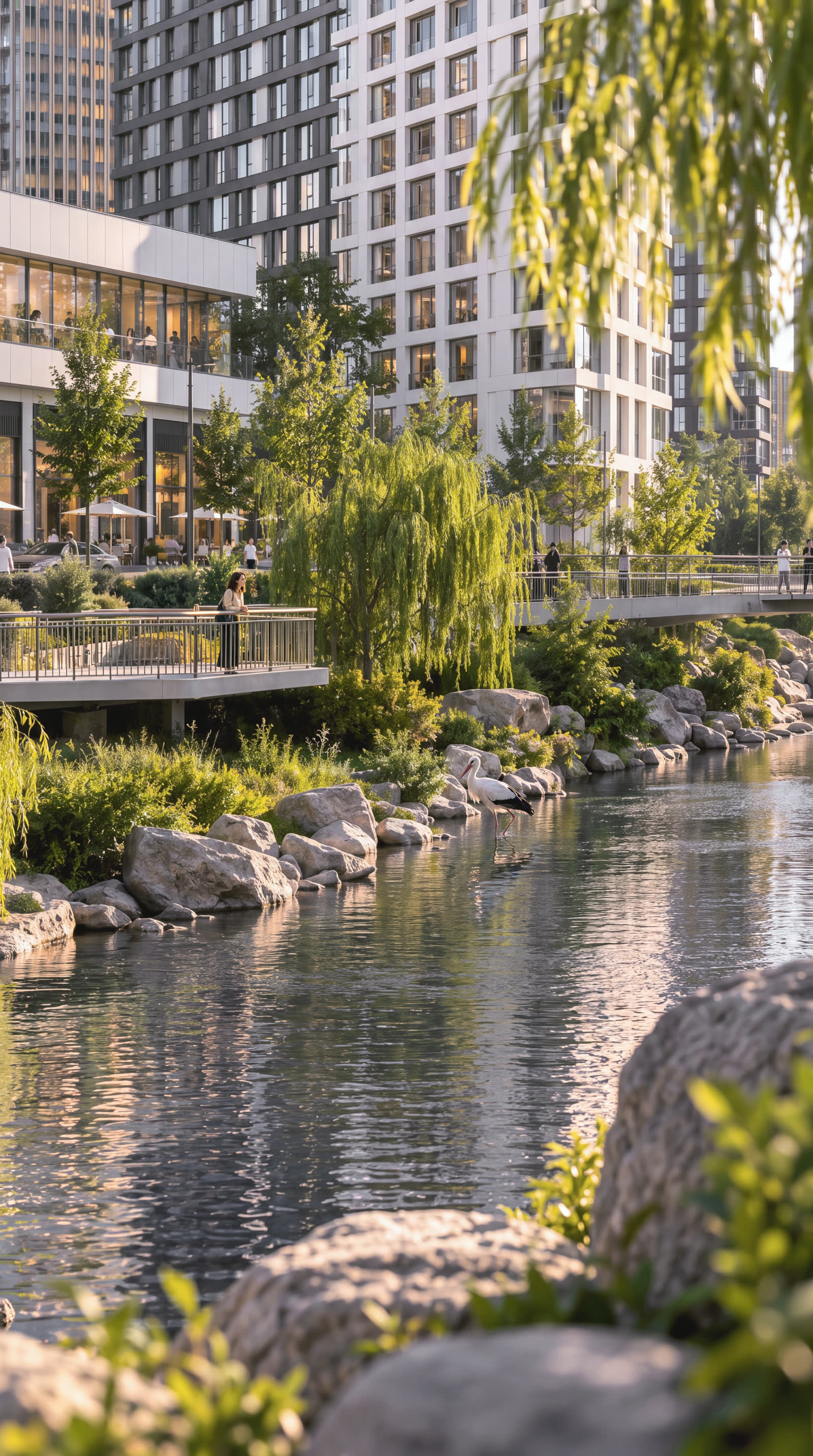
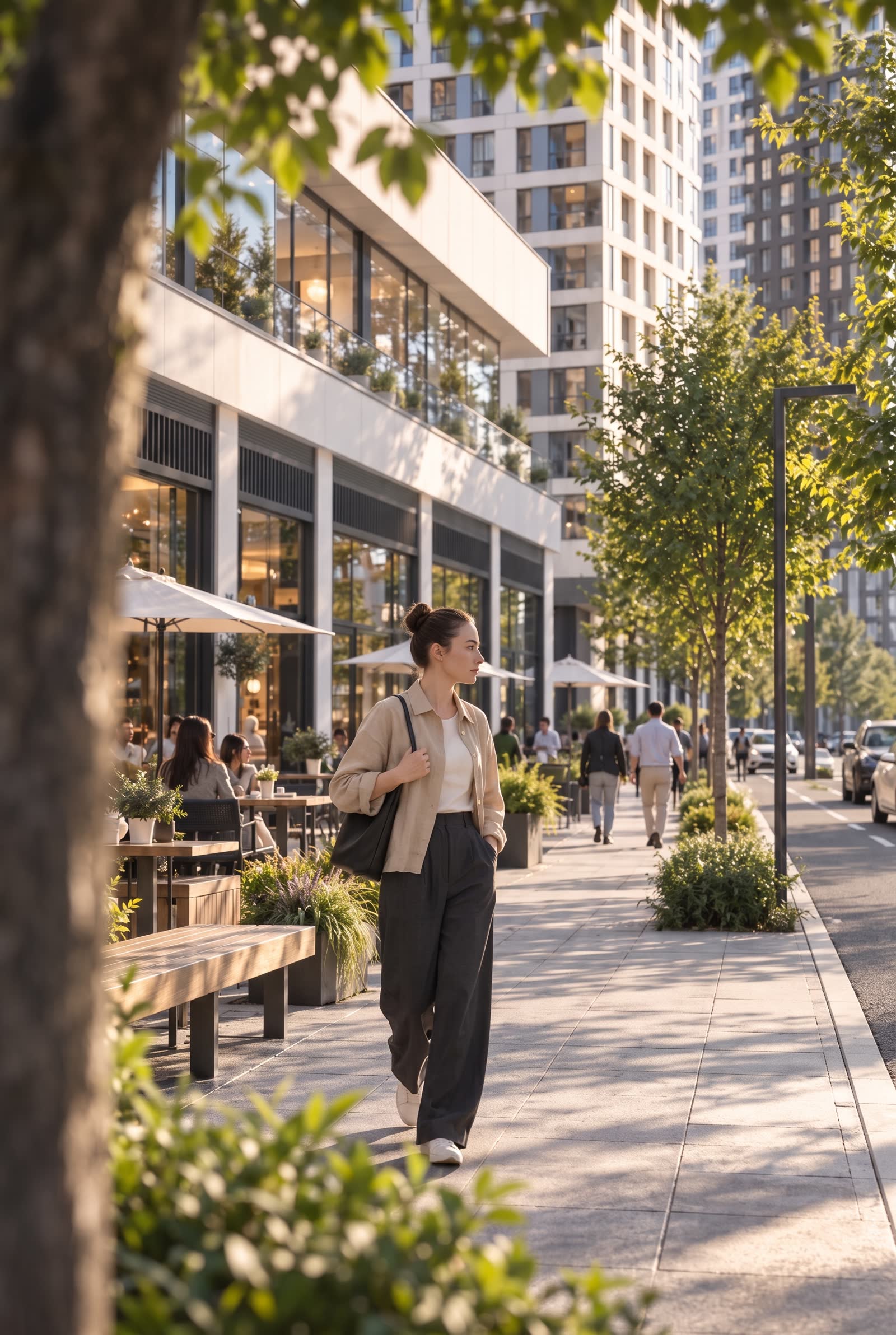

Facades and architectural details. Wide shots and surroundings.
Original render
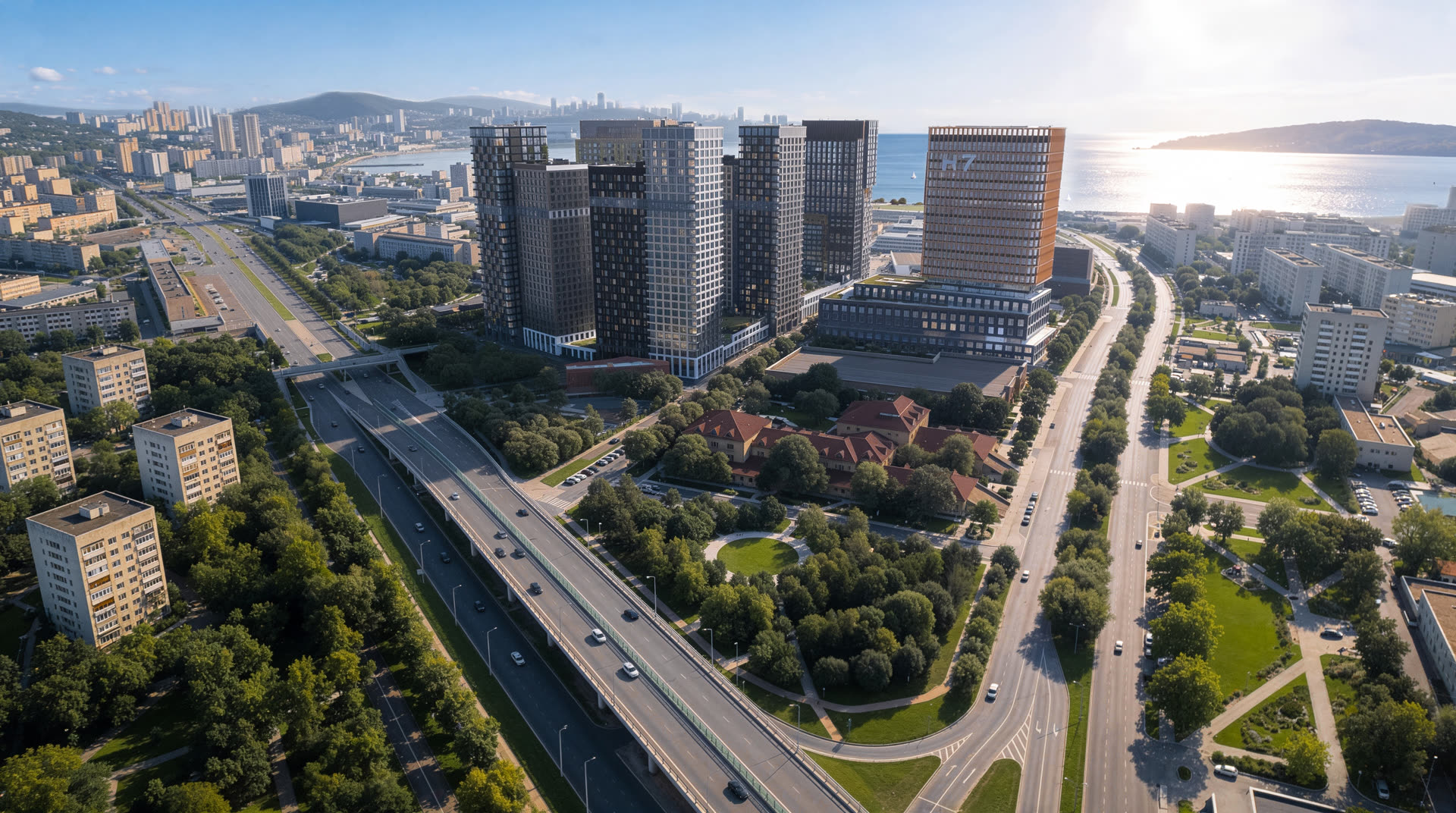
The render our extra frames were built from
Result in AI Motion

AI MOTION
Architecture — ЖК Старк
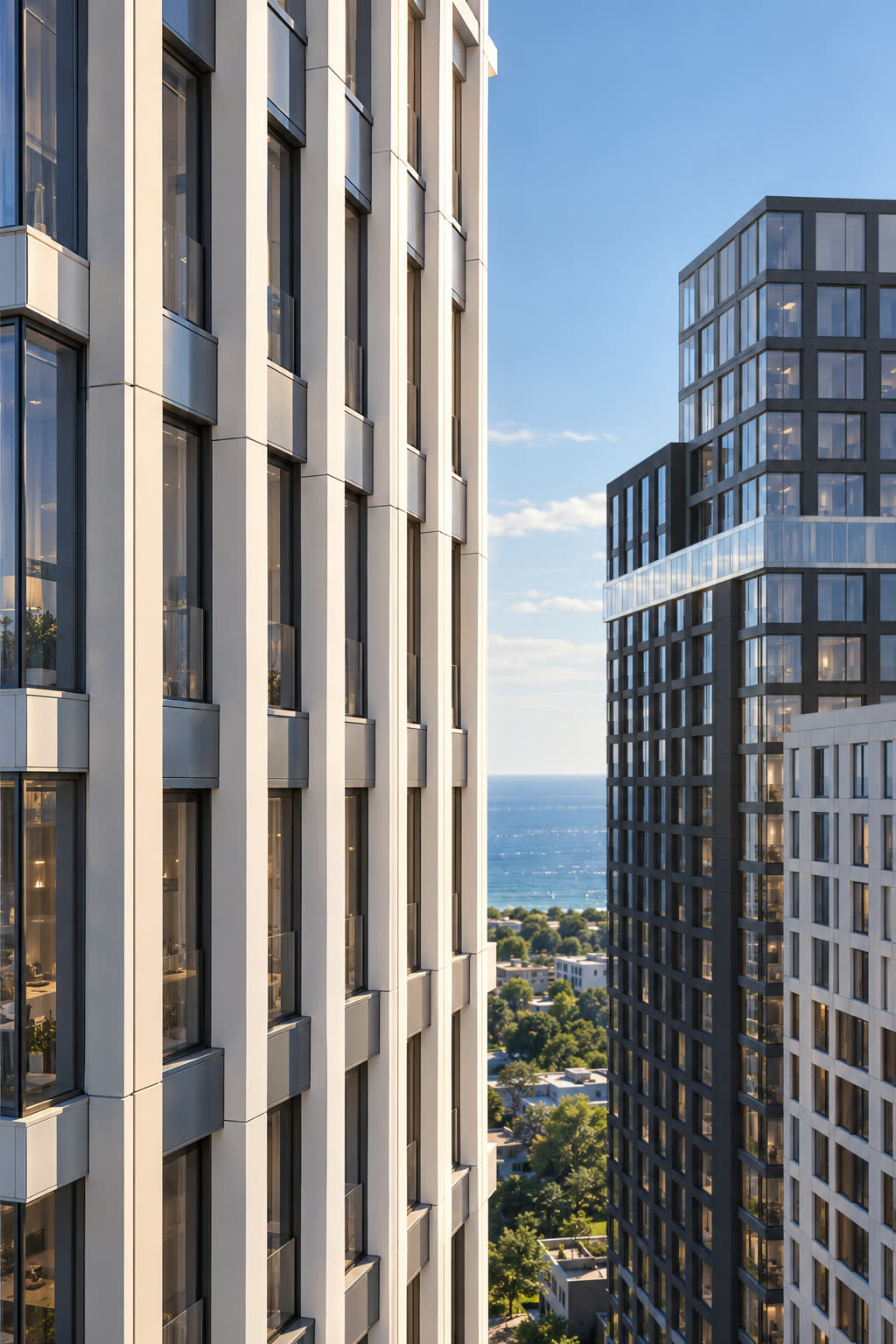
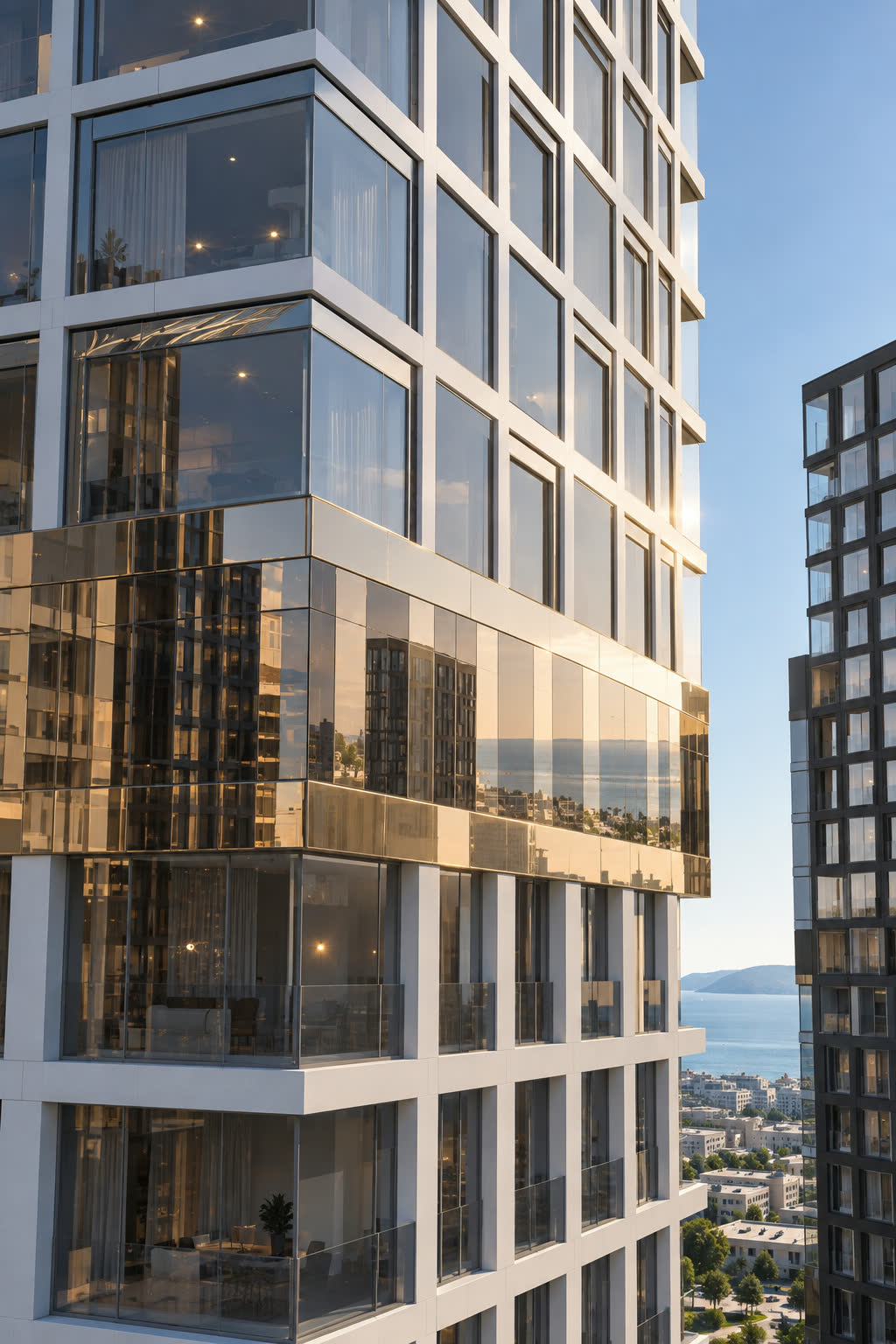
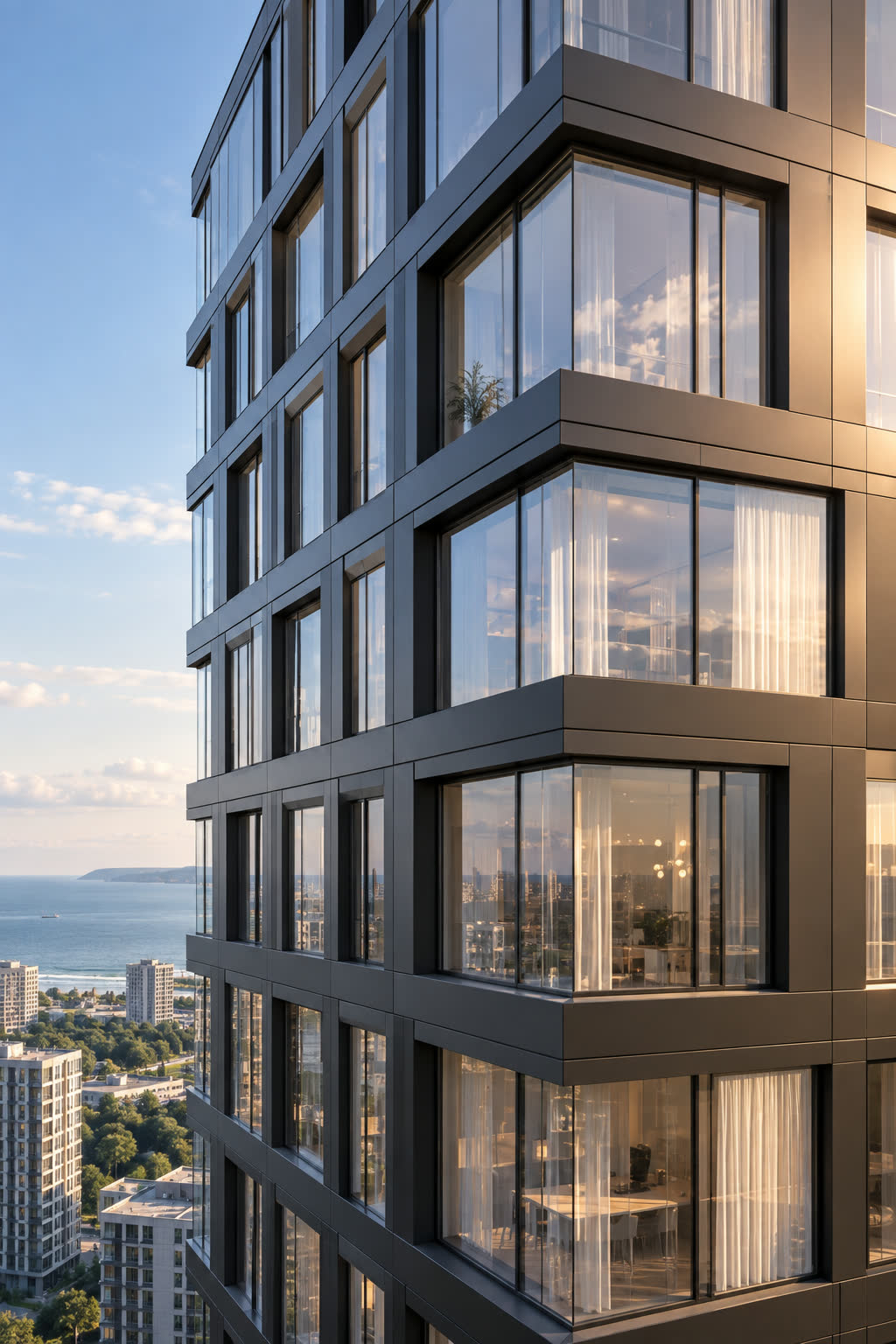
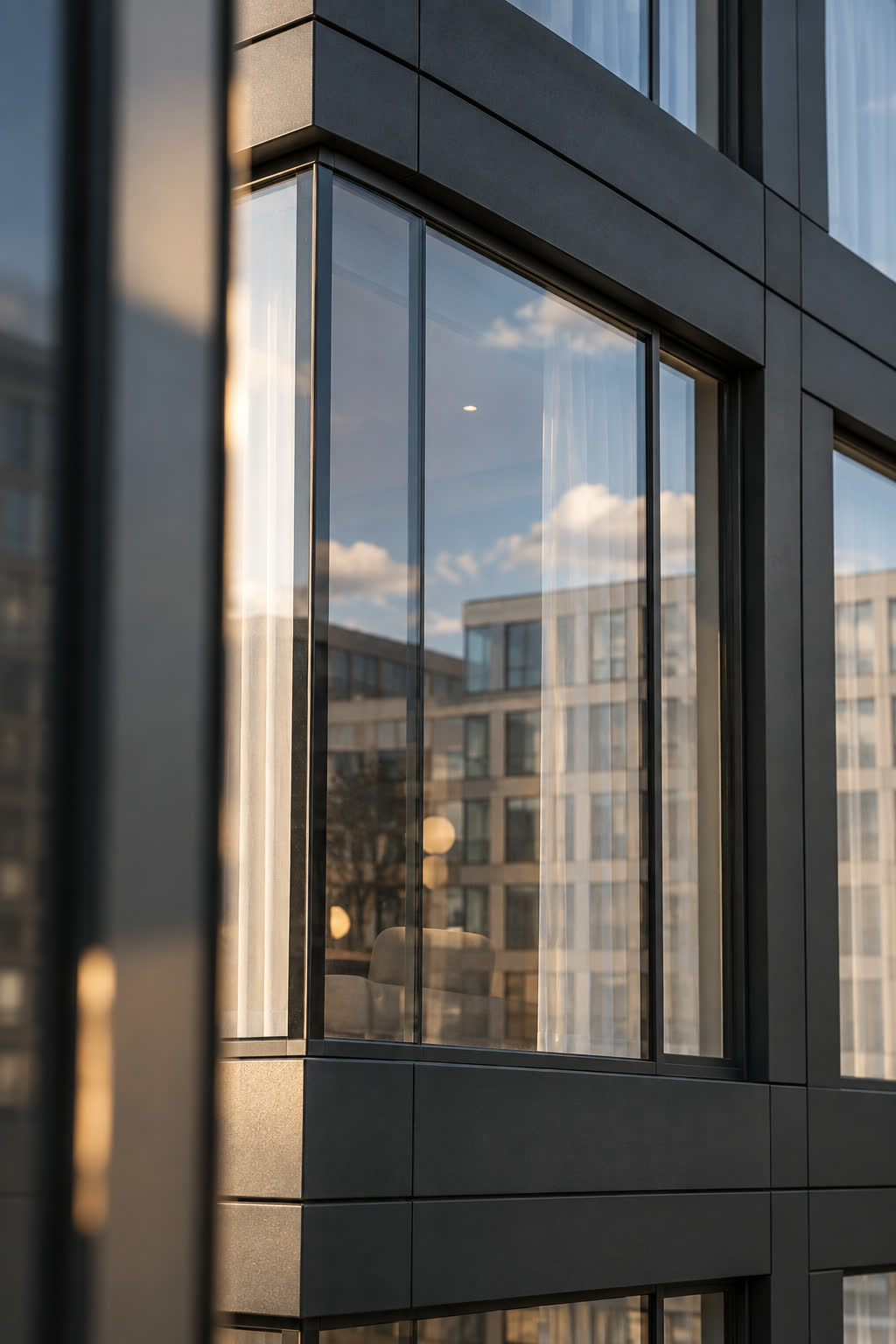
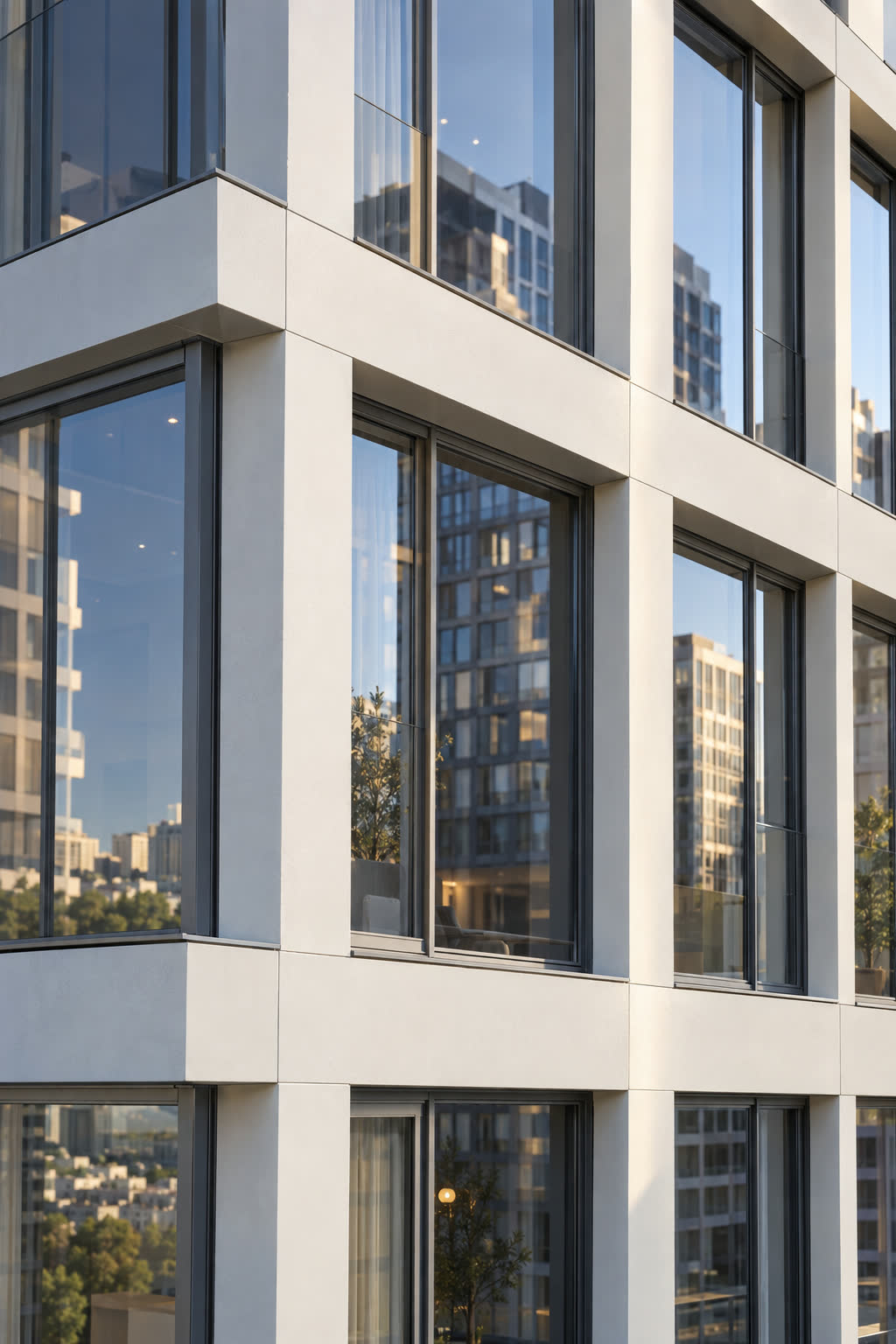
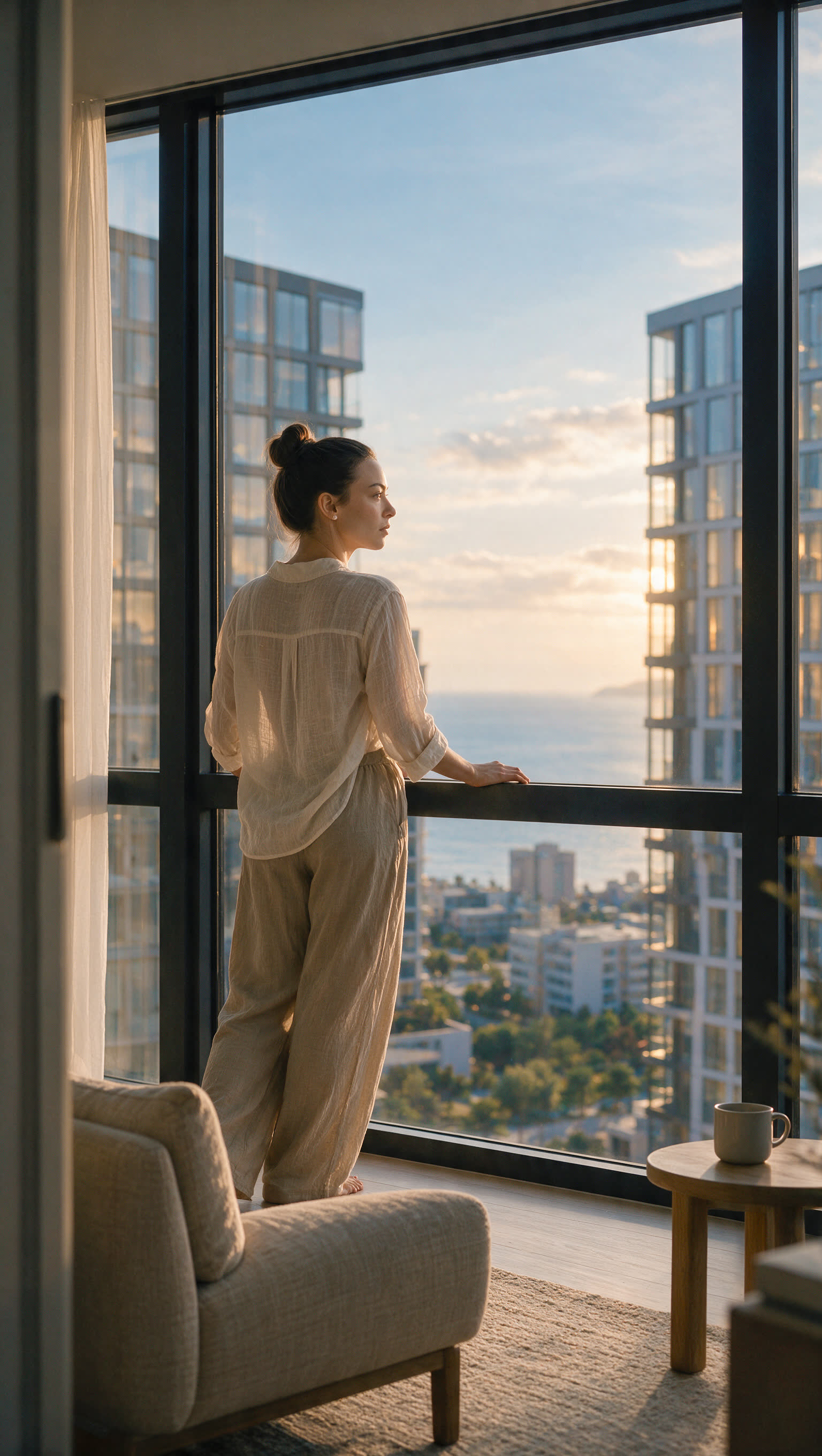


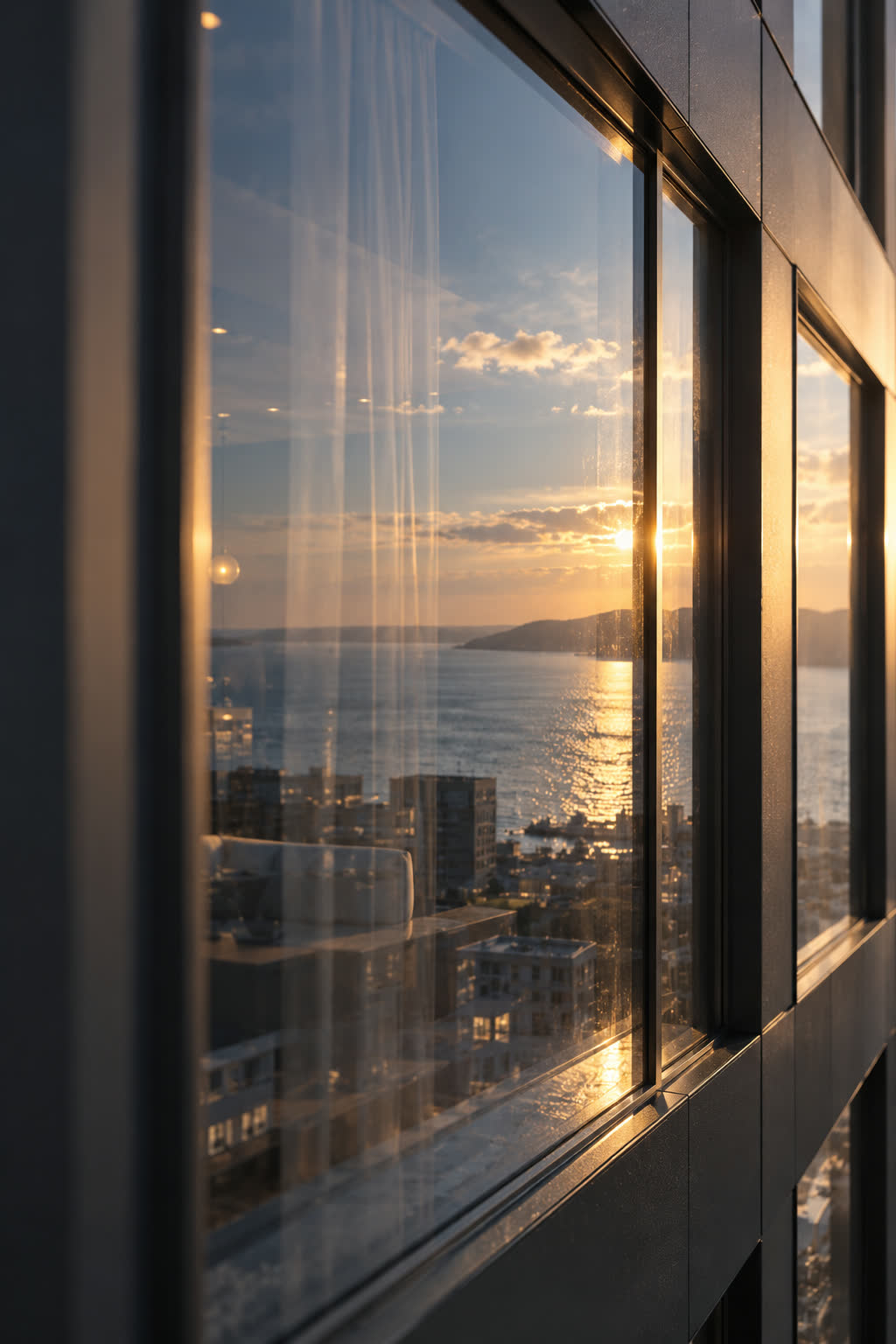
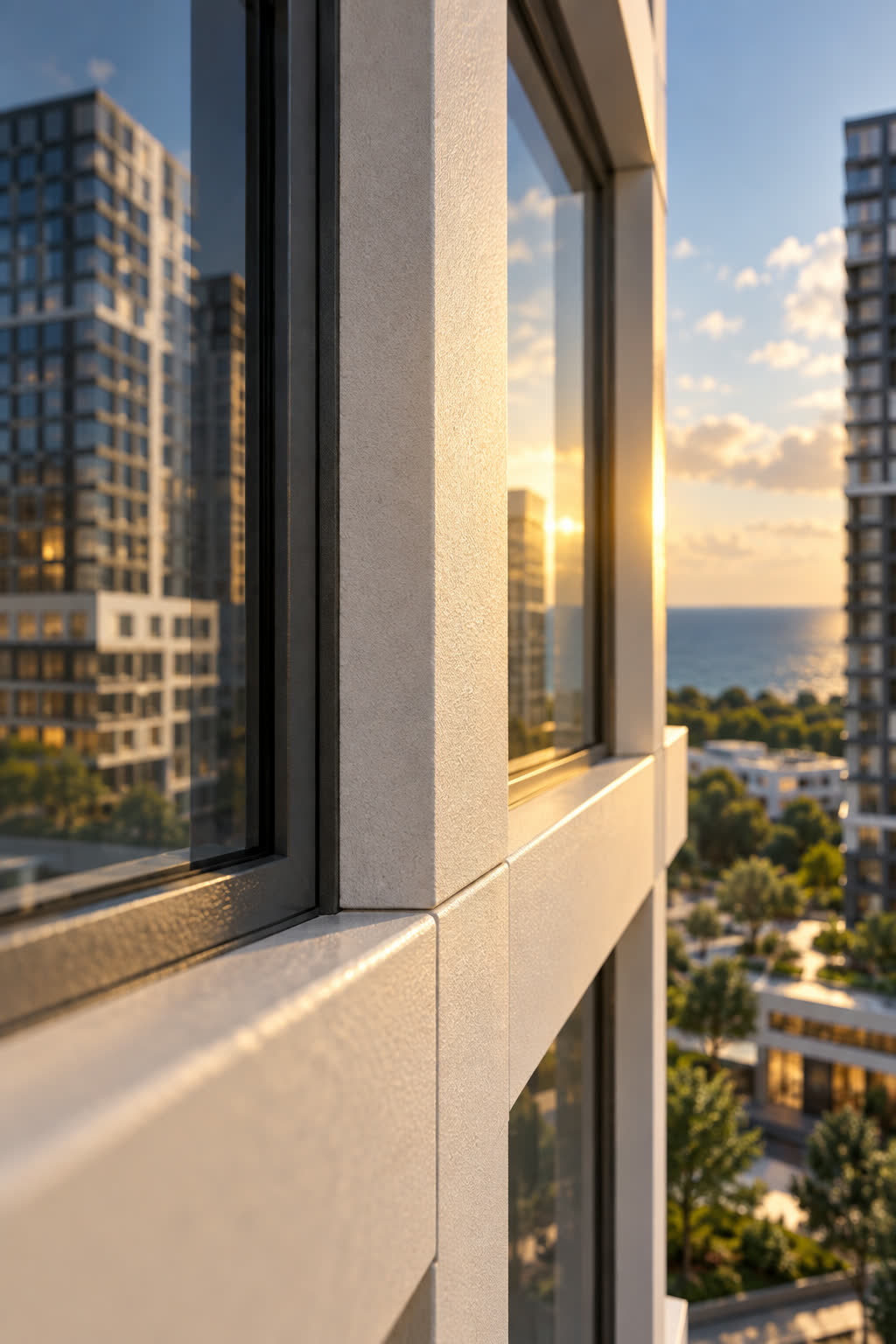
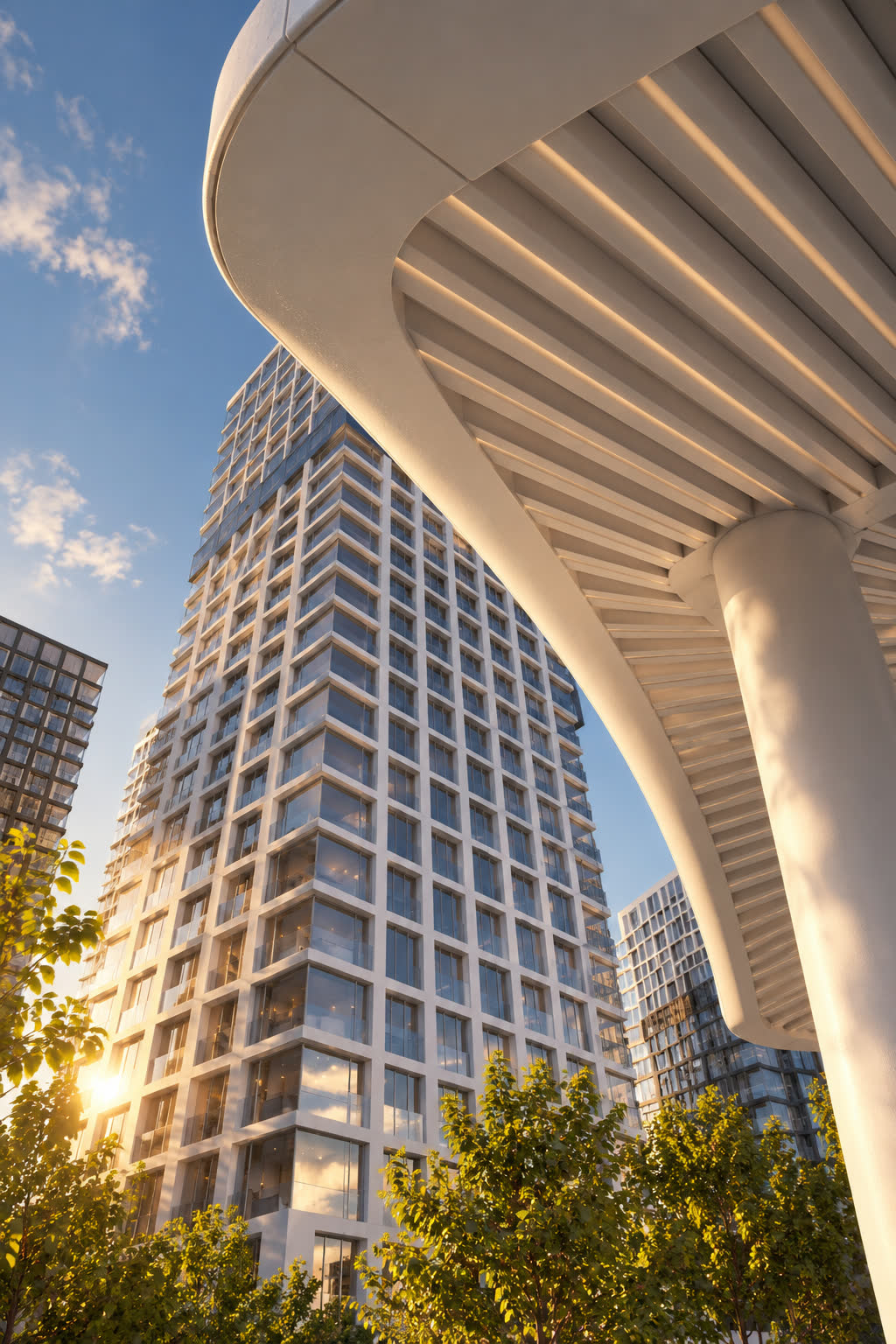
Wide shots and object details. Materials and light.
HOW THE COURSE IS STRUCTURED
Study the materials included in your approved package at your own pace.

Getting started
How the course works and how to set up your own first project.

Prompts & scripts
How to structure a prompt so the AI reads your intent, not a guess.

Character creation
Keeping a character consistent across shots and scenes.

Image quality
Fixing detail, realism and artifacts in AI-generated frames.

Final assembly
Editing shots into one finished, deliverable clip.
WHAT YOU NEED TO START
A computer with a browser — no software installation or GPU needed.
Your own renders or photos to practice on (or use the course's reference set).
A few hours a week — the course has no deadline, so you set the pace.

Stark Residences — Café

Stark Residences — AI Motion

AI Motion — Vertical Format

At Home in Thailand
PACKAGES
Leave an application. Artem will contact you on WhatsApp and confirm your access.
A ready-to-use library of prompts and text descriptions for generating AI video.
Everything in Package 1, plus video lessons and extra material on characters and image quality.
Everything in Packages 1 and 2, plus 1:1 guidance from an instructor.
DOUBTS
The tools will keep changing — the workflow won't: brief, reference, prompt, iterate, finish. Learn that once and you adapt to whatever model comes next.
One AI Motion clip from our studio costs more than any of the three packages. The course teaches you to make an unlimited number yourself.
The Prompts & Scripts package starts from zero. Packages 2 and 3 build on it step by step.
There's no deadline and no live schedule — go through it in a weekend or over a few months, at your own pace.
The Full Mentoring package includes direct feedback from our team on your own work.